By Prof. Dragan
Welcome to the Demo WordPress Site for Our ENG 208 — Introduction to Digital Journalism Class for Spring I 2024!
While each of you has a separate WordPress site for your blog, this shared blog will allow us to experiment with different content, particularly using custom plugins in WP. (By default in the free version of WordPress, you aren’t permitted to install custom plugins. Moreover, there are licensing fees for some plugins, which are provided here for you for free.)
That means we will all be contributing work to this site. If you do choose to use the MetaSlider Pro plugin for your Formal Assignment #1 (Final Project), you will be creating it here in a separate post and linking to that post from your blog. It’s just like working to a real-world organization as a freelancer (or on-staff contributor). You will be given an account on this site so you can contribute content, using your e-mail and a password that you will set. If you lose your password, it can be reset in WordPress, or you can e-mail the instructor (the administrator here) at eng208.lagcc@gmail.com. It’s best to use the password recovery feature (lost password) in WordPress, which can let you re-set your password on your own in just a minute or two. If you have to e-mail the instructor, that is going to take much longer.
Bylines — PUT A BYLINE RIGHT BEFORE YOUR POST!
by ?????? [Your Name Here]
If you don’t do this, your instructor will do it for you (in a few days), but it will help out the team if you get in the habit of doing this every time you post to this shared blog. (Everyone’s real name is attached to every post at the BOTTOM of every post.) It’s easier to read if everyone signs their work with a byline as is standard in many media organizations (in print or online).
PLEASE USE CATEGORIES!
Use the In-Class Slideshows category for your practice work that we do in class together.
Use the Student Slideshows category for work at home for your projects later in the semester (for Formal Asg. #2 — Profile of a Person).
The Demos category contains sample slideshows from your instructor.
MetaSlider Pro — This plugin lets you design slideshows with captions with a variety of visual styles. It will be our ‘go to’ method for creating slideshows (if you choose to do this for Formal Assignment #2. Remember: You’ll want to use in-text photos for your Formal Assignment #1 — Profile of a Place — inserted with captions alongside your written copy for this piece.)
A Note on the Media Library
We are sharing the Media Library, which can be confusing to us all — just like in a real media organization. To simplify this, a directory based on your username has been created in the Media Library for your photos. Please use it. When uploading your files, you should upload them to the directory with your username, e.g., /jsmith_photos .
Also, it’s a good idea to use filenames that include your last name, e.g., smith_slide01.jpg, smith_slide02.jpg, smith03.jpg, we can made sure that you find your photos because you can search to find the photos that belong to you by name.
Please don’t delete any photos from the Media library! Doing this would be considered a Bad Thing (and ‘academic dishonesty’ if done intentionally). We have backups of our site, but this would be a real disservice to others in the class.
***
Working in this environment will also provide you with real-world experience since when you work on a site using WordPress, you often are NOT the sole user or administrator. You are collaborating with other users in a ‘digital workflow’ in WordPress where writers, photographers, editors, web developers and WordPress administrators all collaborate to make 21st-century journalism happen doing different things with copy, photos and other media.
Now we’re ready to use this demo WordPress site to learn more about current possibilities for digital journalism starting with the MetaSlider Pro plugin for creating effective slideshow with photos and captions this week….


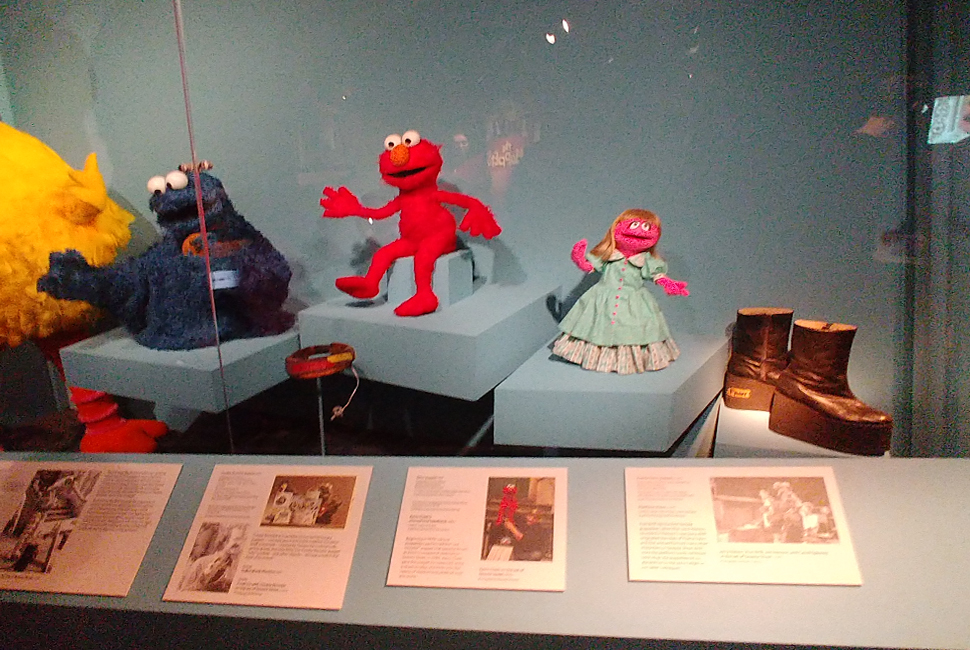


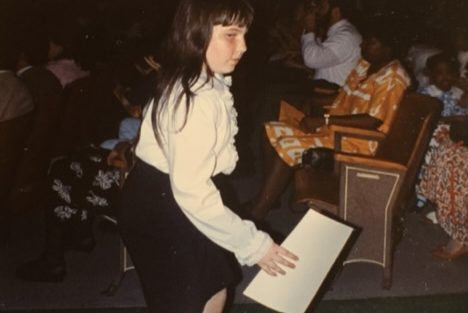
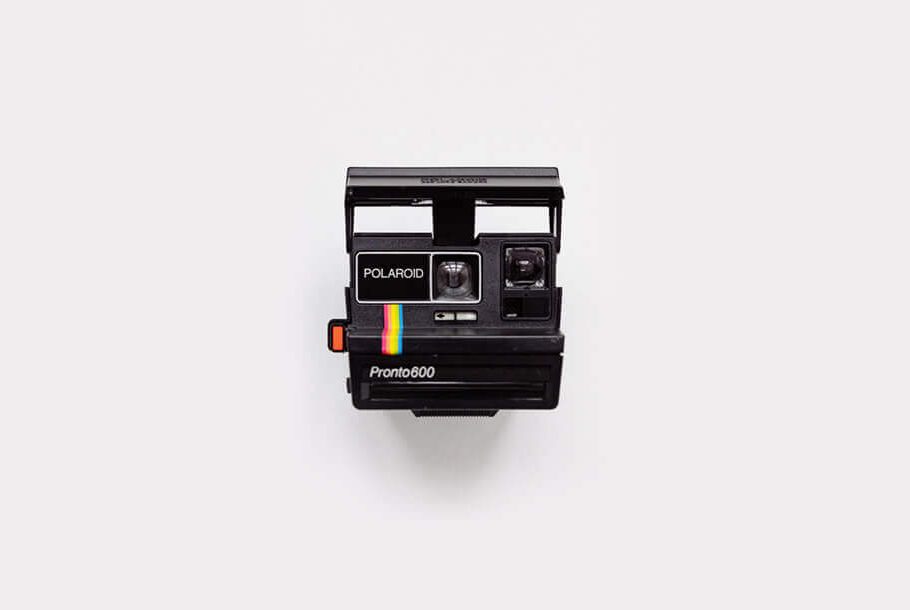

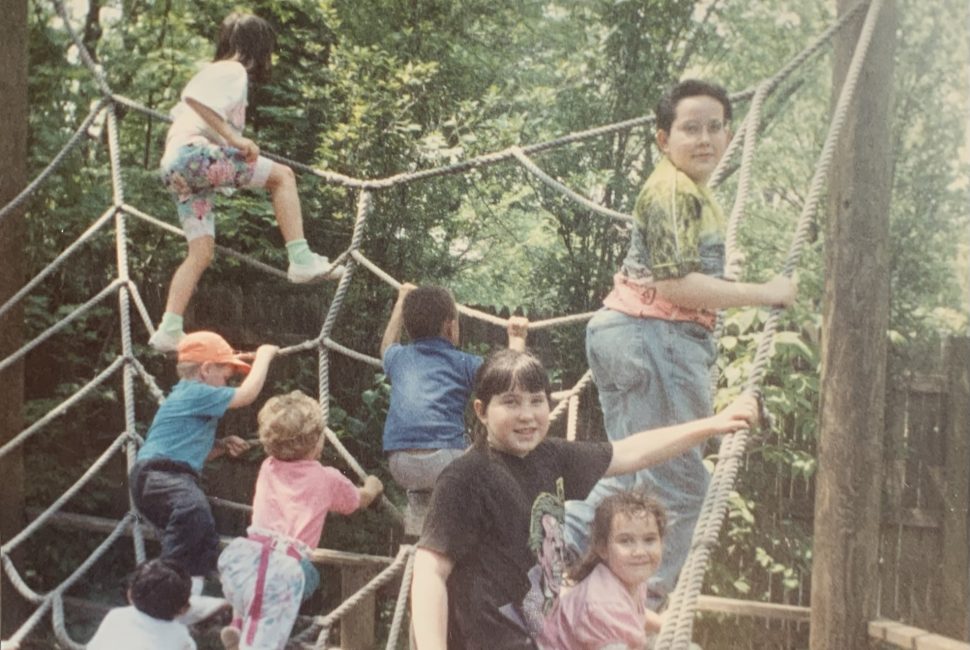
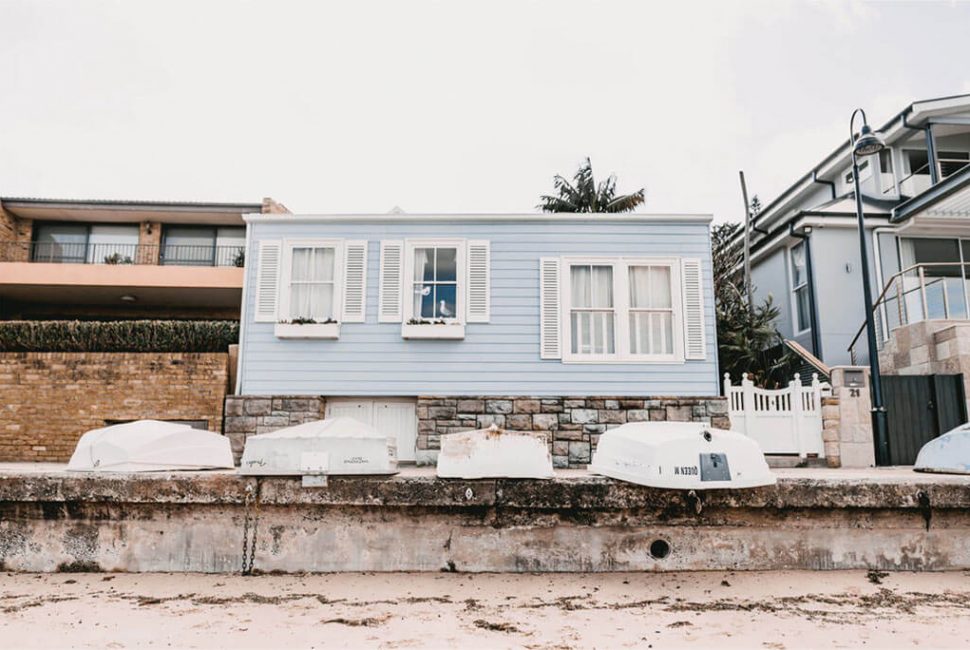
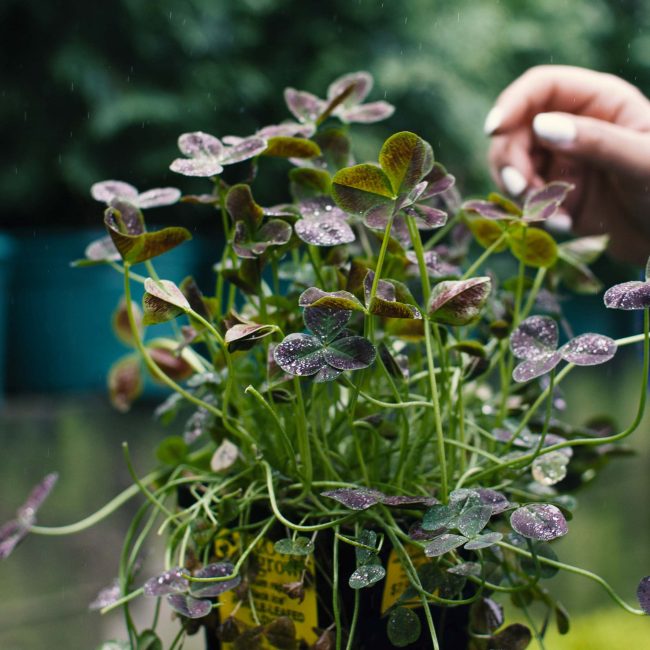
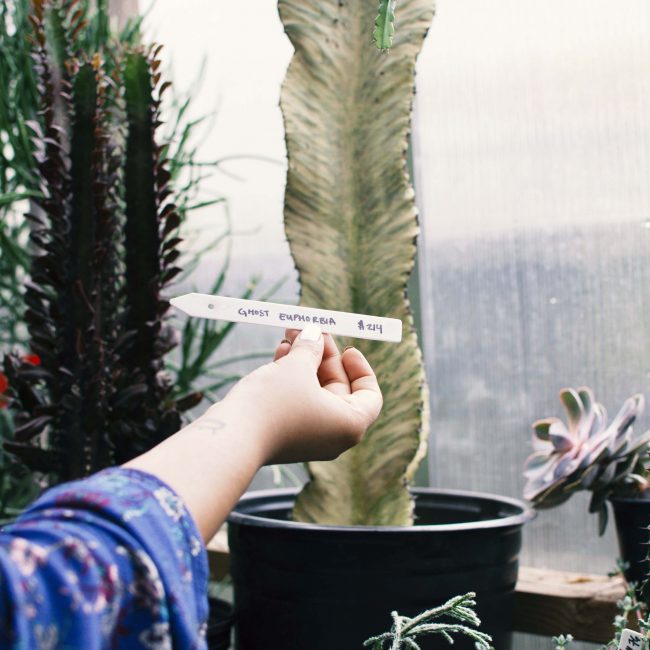
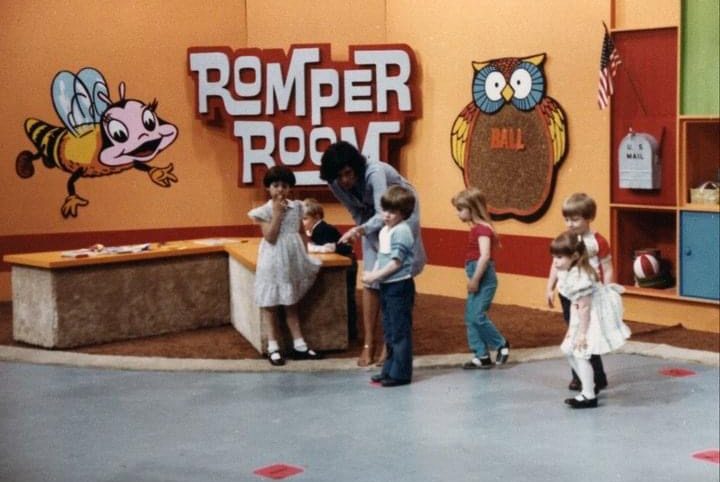
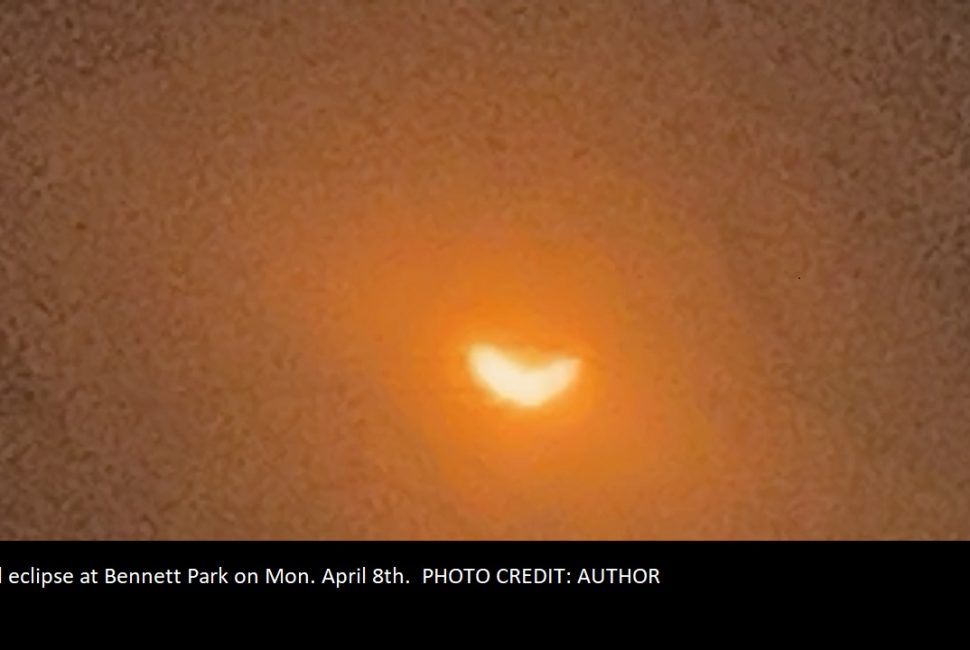 This is a caption for this photo. It can be several sentences long to give us a sense of what's in the picture. Details. PHOTO CREDIT: JOHN SMITH